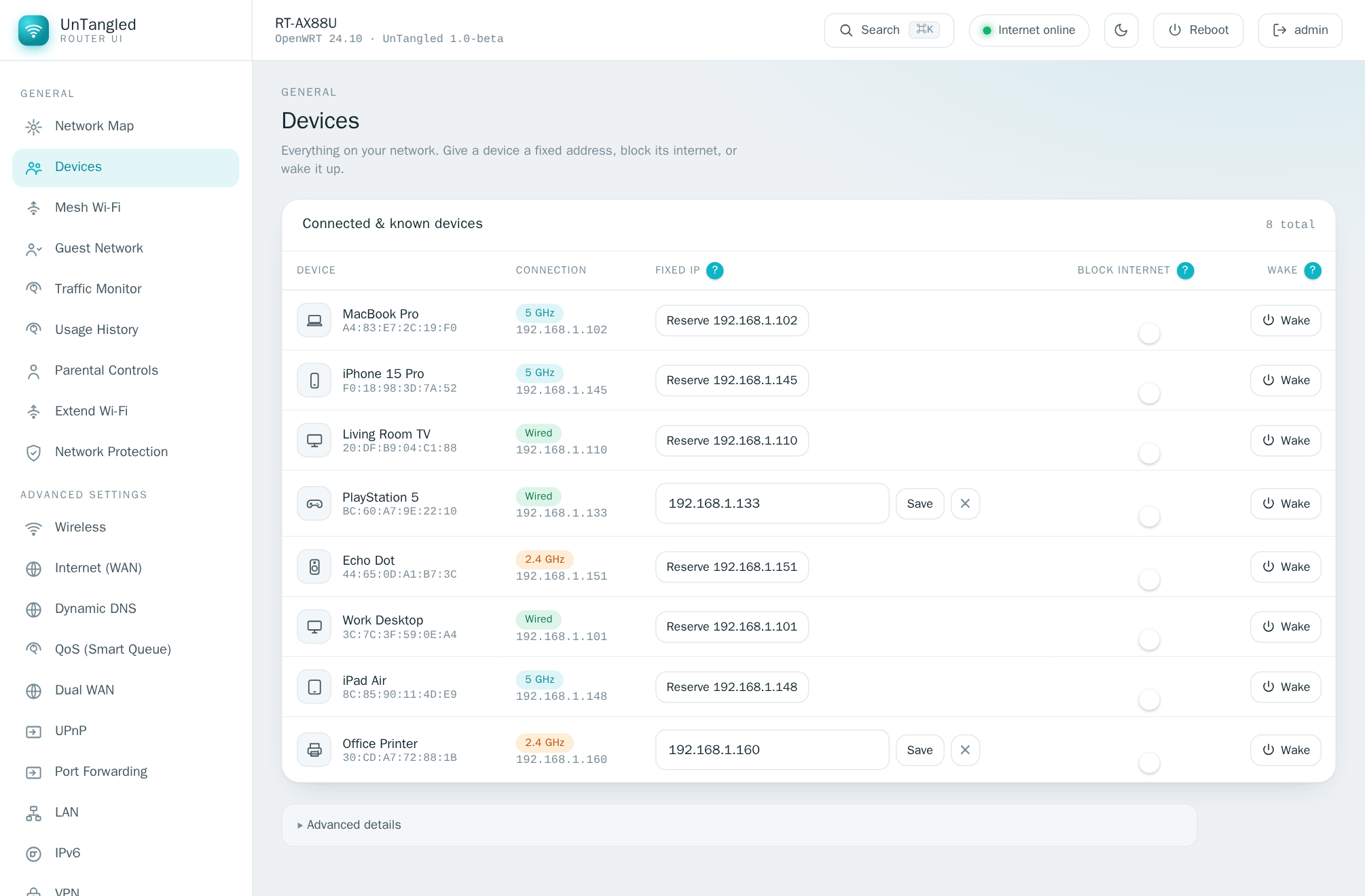
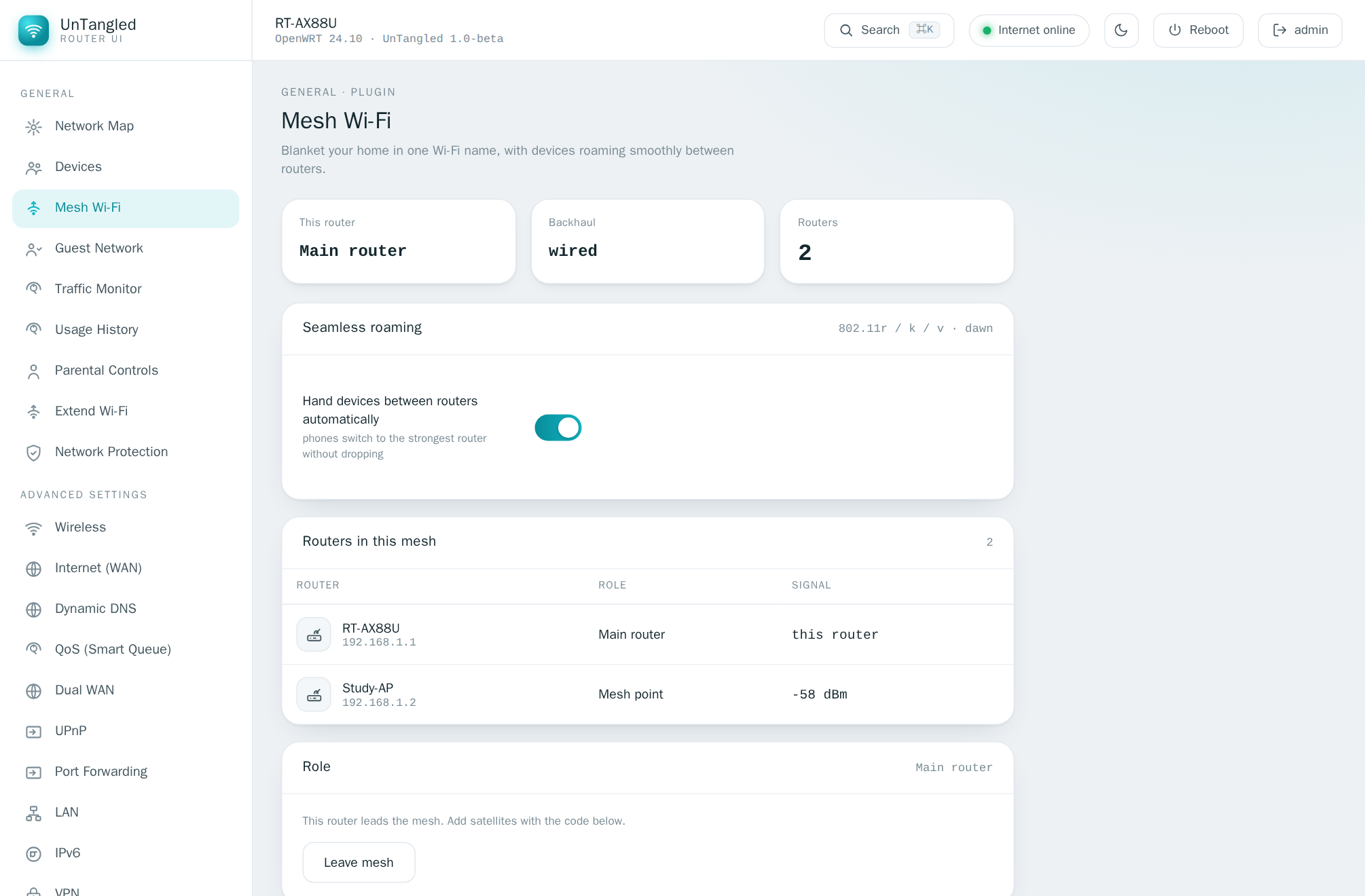
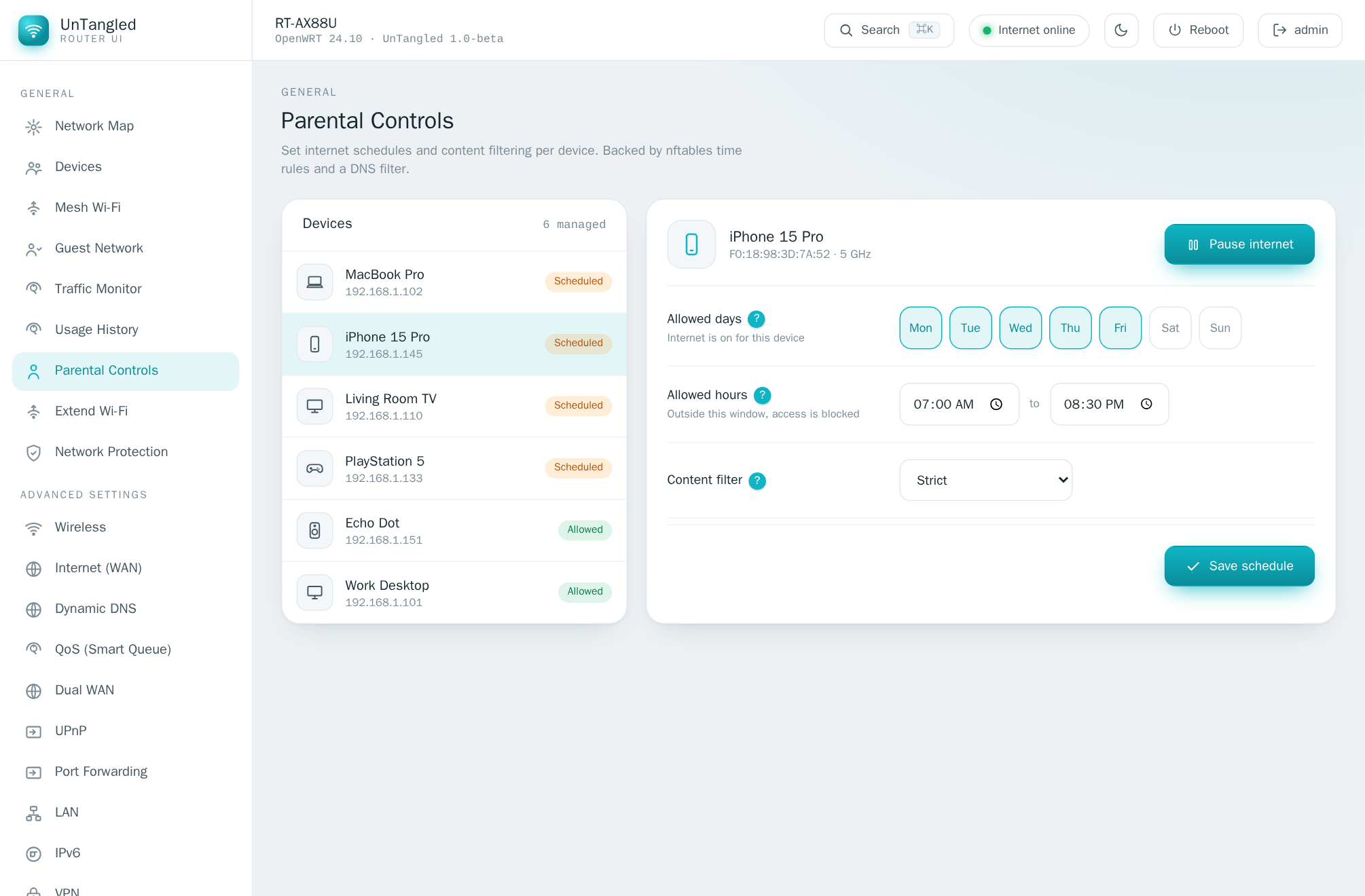
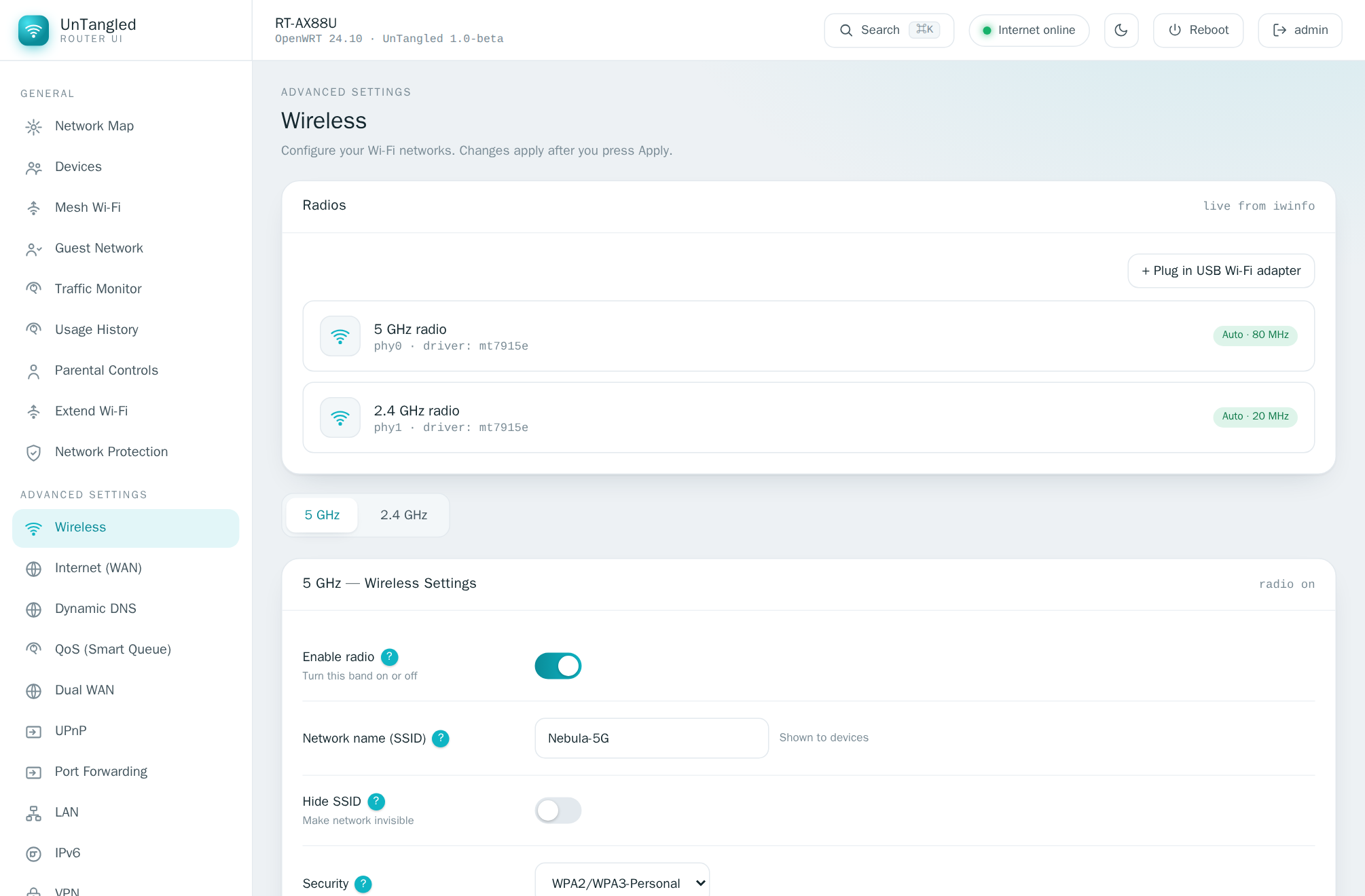
Install in 60 seconds
Add the signed UnTangled feed once, then install and upgrade with your router’s own package manager.
- Check your OpenWRT version — LuCI → Status → Overview (or
cat /etc/openwrt_release). 23.05 / 24.10 → use the opkg tab; SNAPSHOT → the apk tab. In doubt, you’re on stable.
- Run the matching commands on the router — over SSH, or paste them into LuCI → System → Custom Commands.
- Open
http://<router-ip>/untangled/ and sign in with your router’s admin account (same login as LuCI).
Stable OpenWRT — 23.05 / 24.10 (opkg)
# trust the signing key, add the feed (once)
wget -O /tmp/untangled.pub https://bidhata.github.io/untangled/keys/untangled.pub
opkg-key add /tmp/untangled.pub
echo 'src/gz untangled https://bidhata.github.io/untangled/stable' \
  >> /etc/opkg/customfeeds.conf
# install
opkg update && opkg install untangled-full
OpenWRT snapshot (apk)
# trust the signing key, add the feed (once)
wget -O /etc/apk/keys/untangled.pem https://bidhata.github.io/untangled/keys/untangled.pem
echo 'https://bidhata.github.io/untangled/snapshot/packages.adb' \
  > /etc/apk/repositories.d/untangled.list
# install
apk update && apk add untangled-full
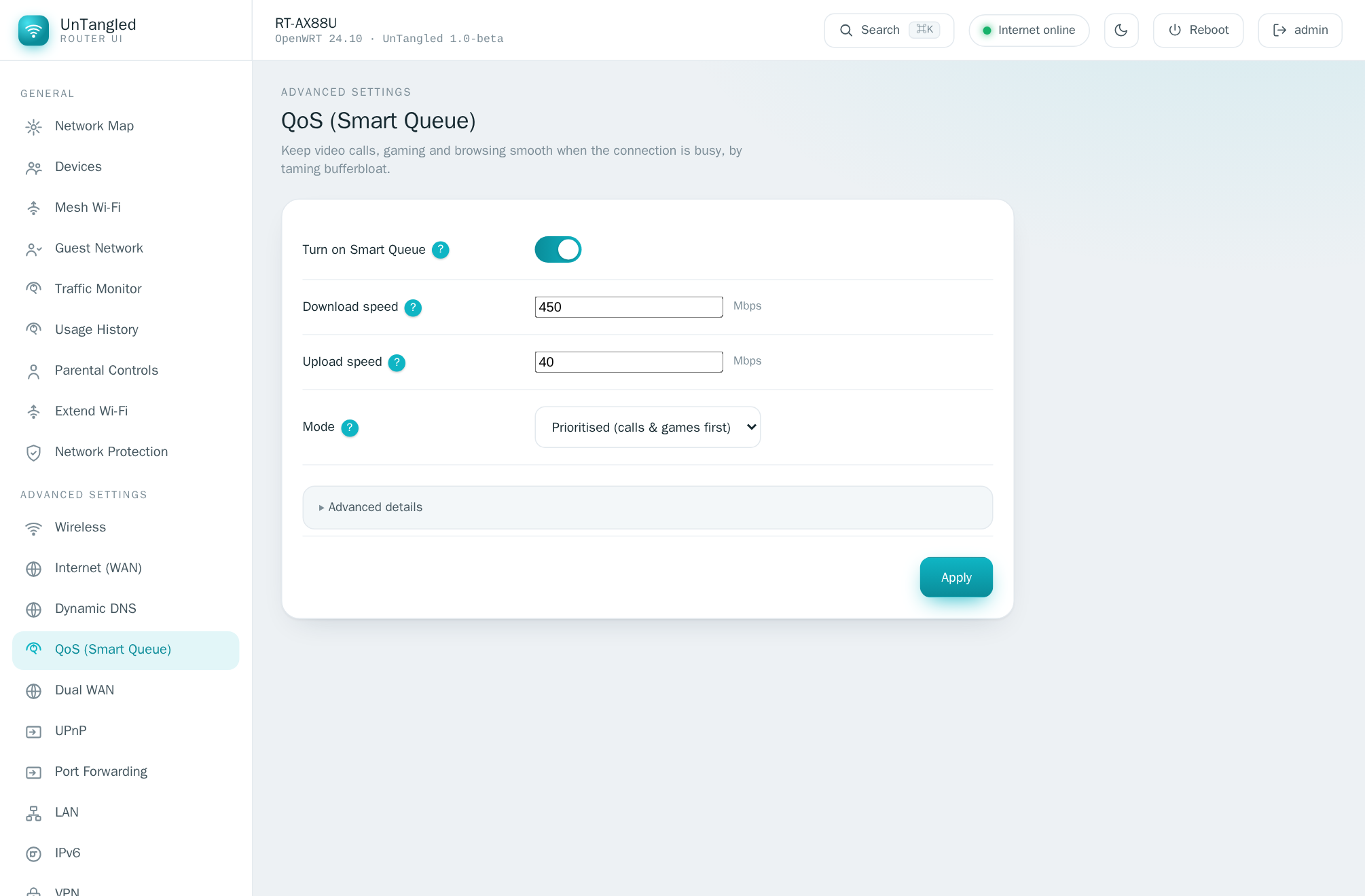
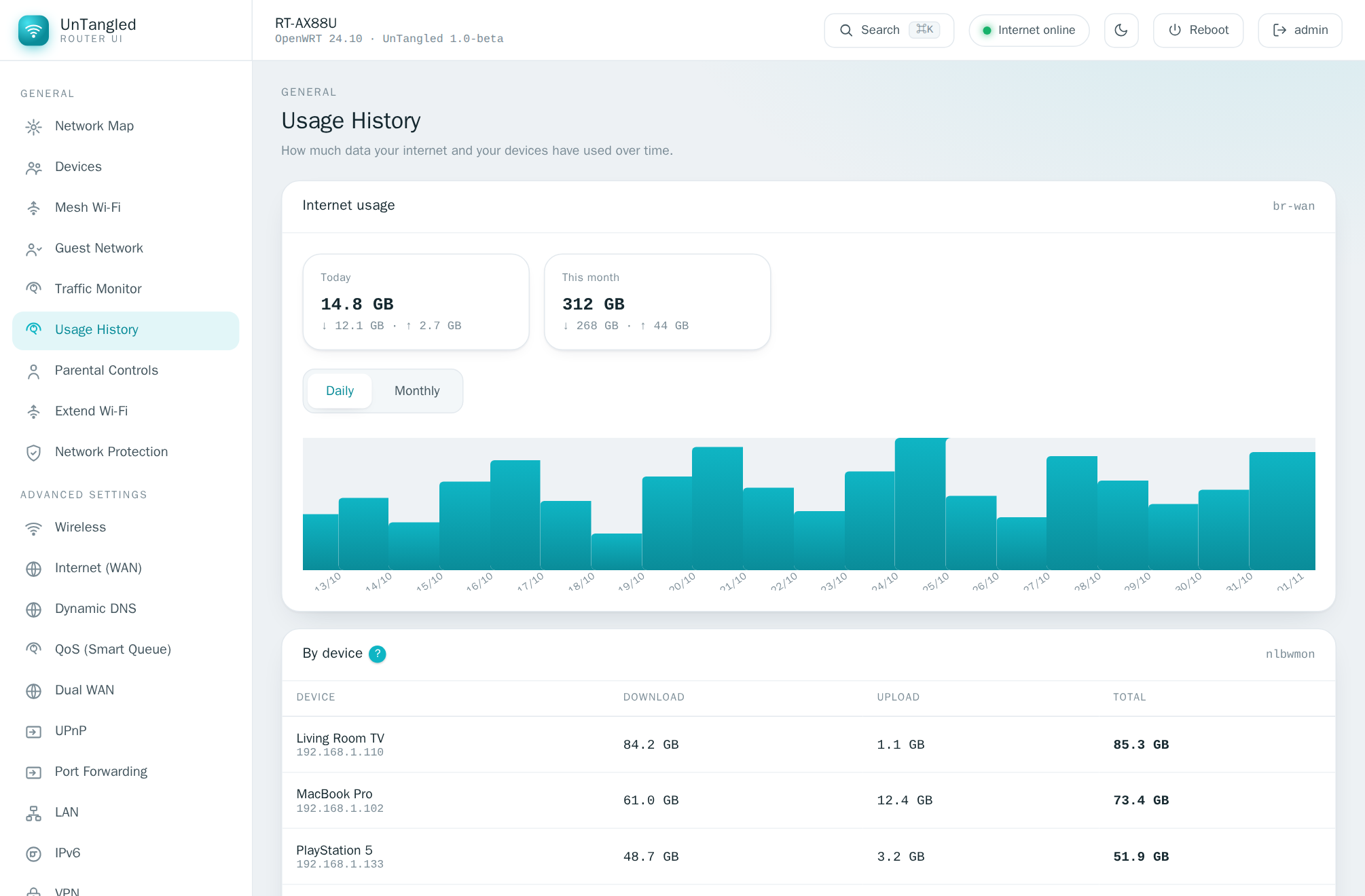
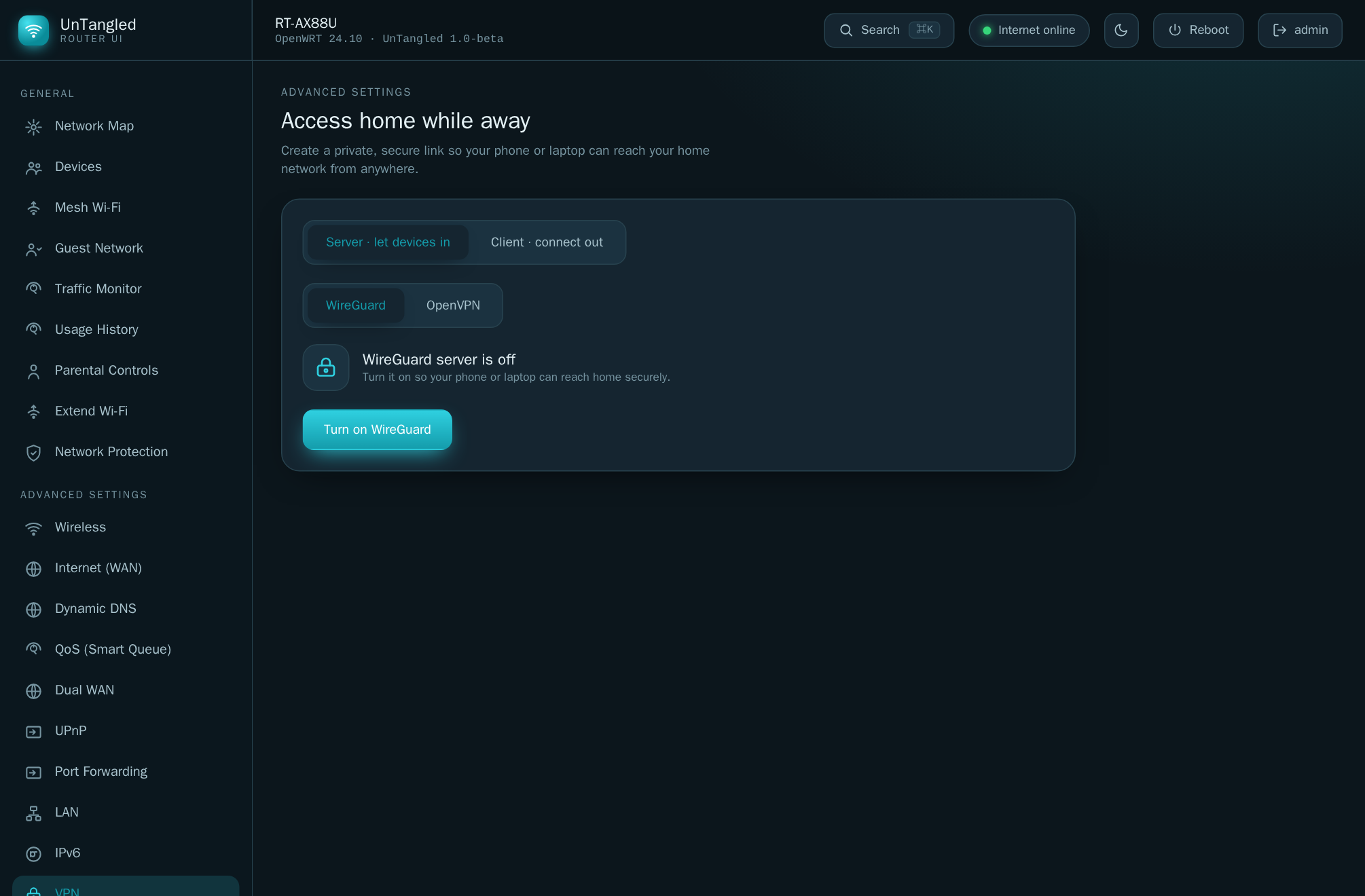
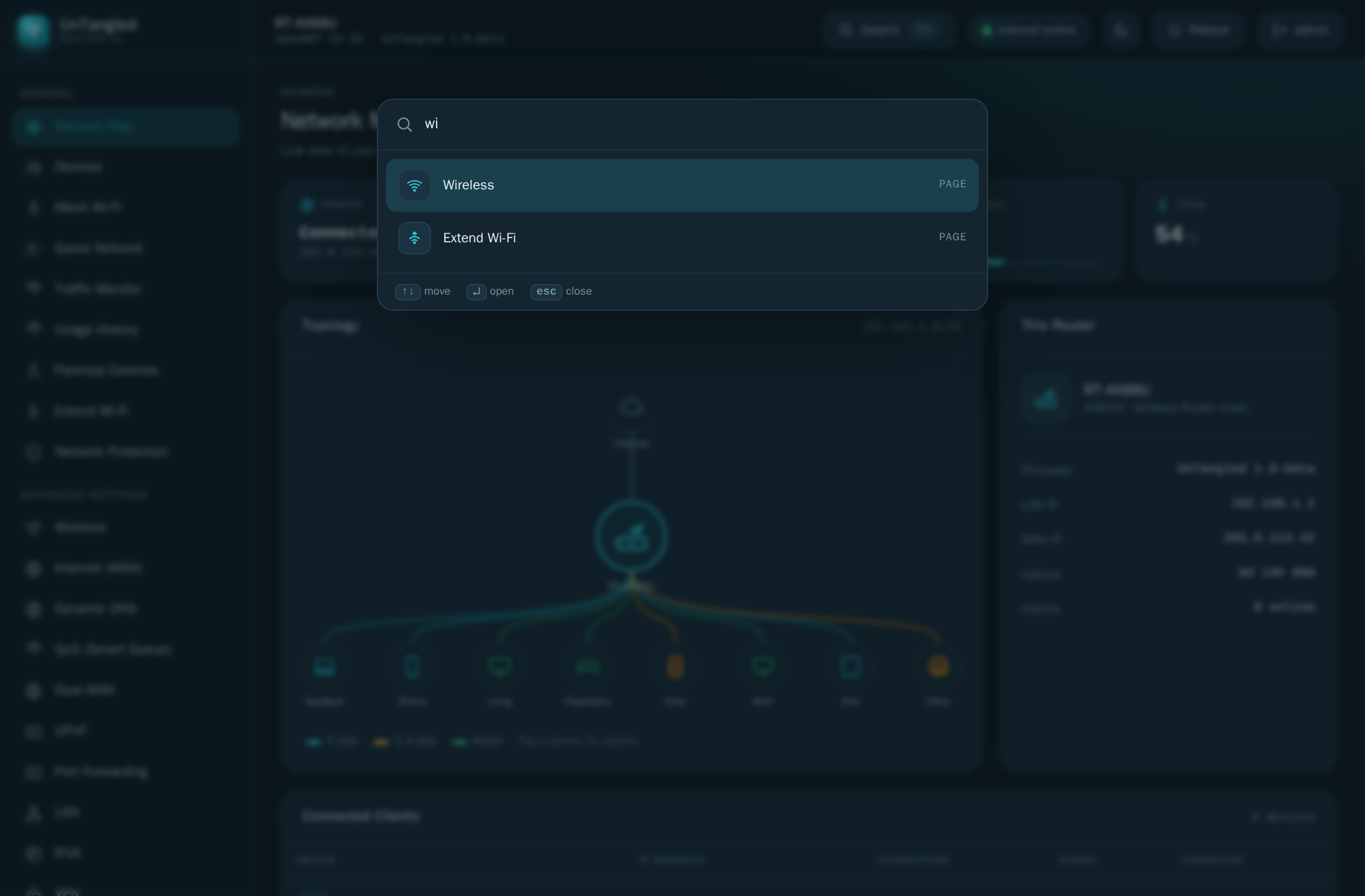
Then open http://<router-ip>/untangled/ and sign in with your router’s admin account. LuCI keeps working untouched — UnTangled lives at its own path. Prefer a file? Grab the .ipk/.apk from Releases. Choose untangled (minimal), untangled-full (HTTPS, Wi-Fi scan, firmware, Wake-on-LAN) or add untangled-mesh.
Just want everything? Install untangled-full. And don’t be surprised that its download is tiny (~1 KB) while untangled is ~90 KB — the core package holds the actual interface, and untangled-full is just a short list that tells the router to install the core plus the extras. Small file, full install. On the Releases page: use the .ipk files for stable OpenWRT (23.05 / 24.10) and the .apk files only for snapshot; the long names are required by the package manager, so don’t rename them.